




SpellBoard now supports iCloud Syncing on both iOS and macOS
Whether you are a student, teacher or parent, we all know the weekly spelling drill. Monday, we get our weekly words. Wednesday, we have our pre-quiz and Friday is the spelling test. Of course, during the week there are endless impromptu spelling quizzes, – at home, in the car, at dinner, before bed – you get the idea. Well, all that may have just changed – say hello to SpellBoard!
SpellBoard allows you to create any spelling quiz in any language. That's right, you could even use this for your Spanish class!
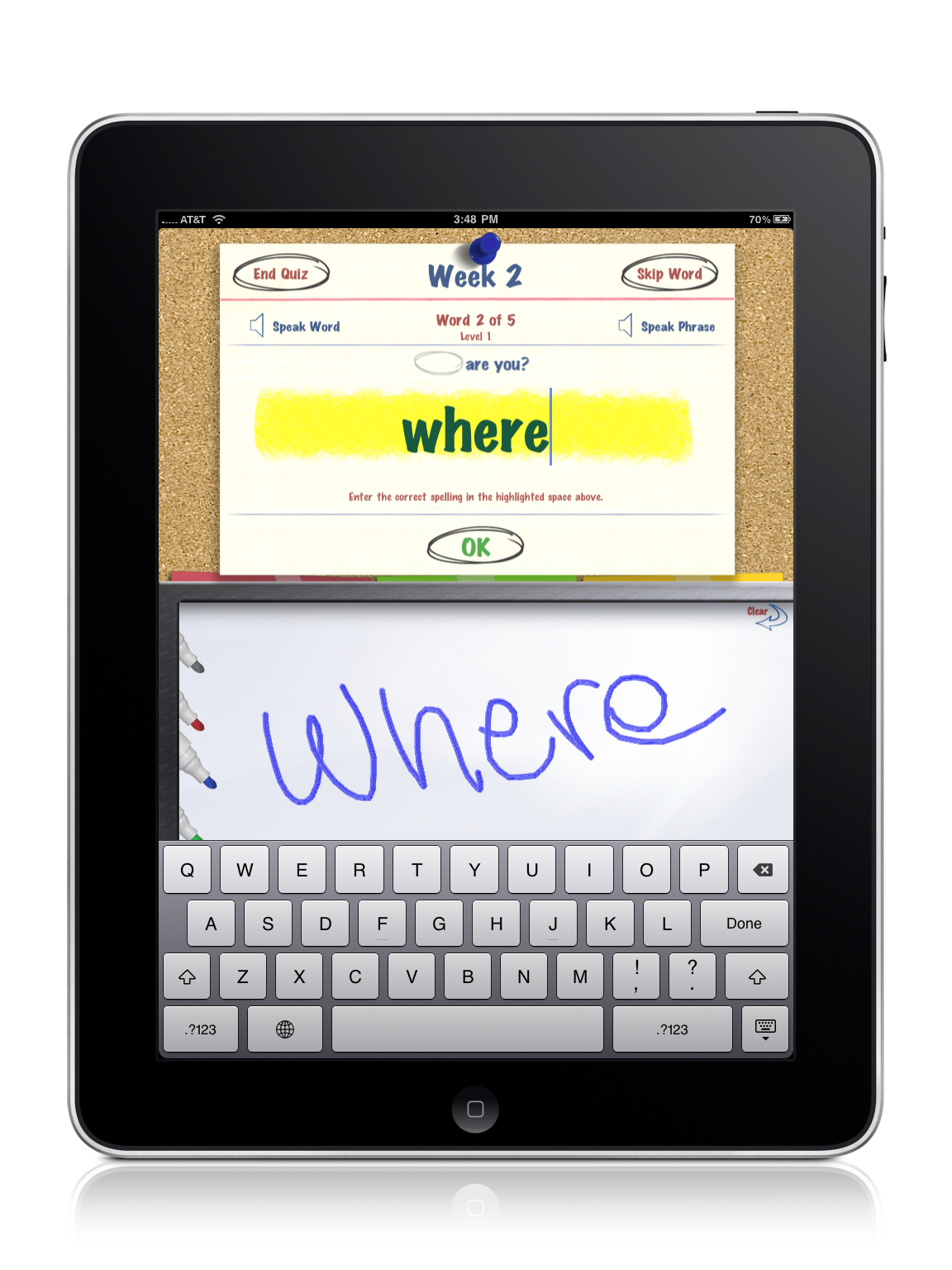
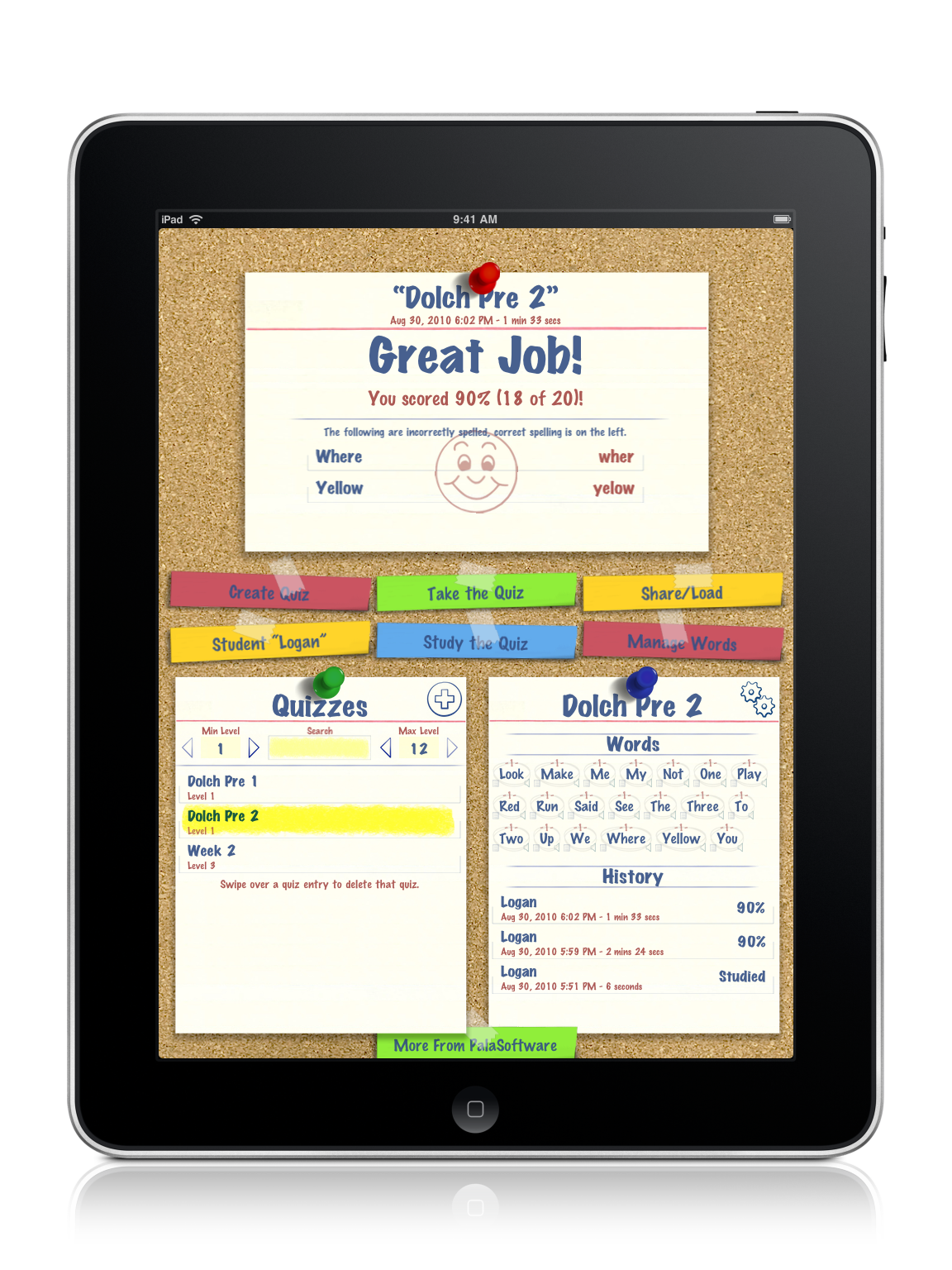
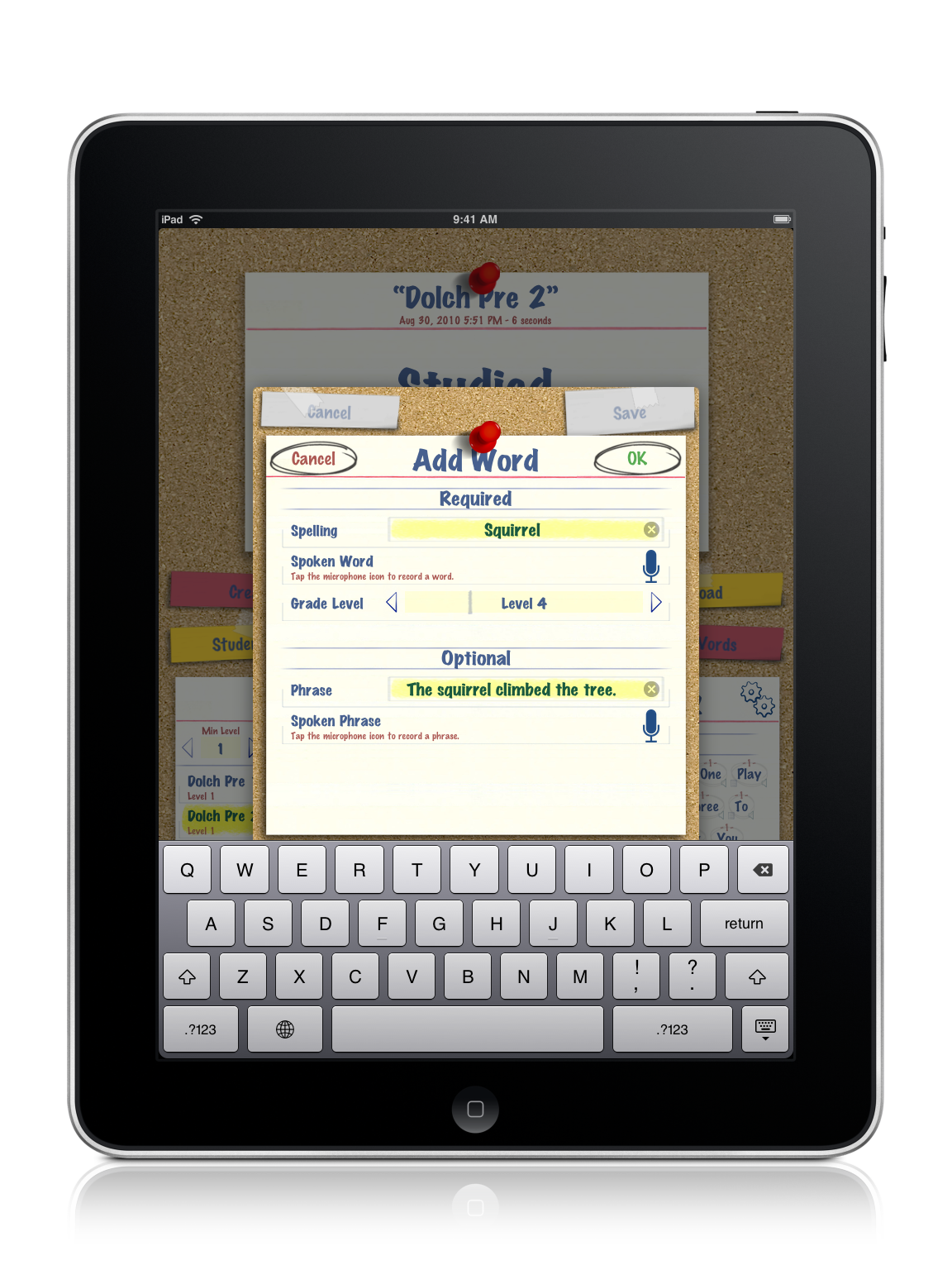
SpellBoard provides a fast and intuitive way for you to enter your list of spelling words. All you need to do is enter the word (correctly spelled), the grade level (1-12). SpellBoard will take it from there using the iOS’s built in speech technology to quiz you on the words (if desired you can record audio in your own voice as well). Optionally, you can add a written and/or spoken phrase. That's it! Now you are ready to study your word list and be quizzed on it. And, thanks to iCloud Syncing (iOS only) your spelling list will appear on all your iCloud enable devices.
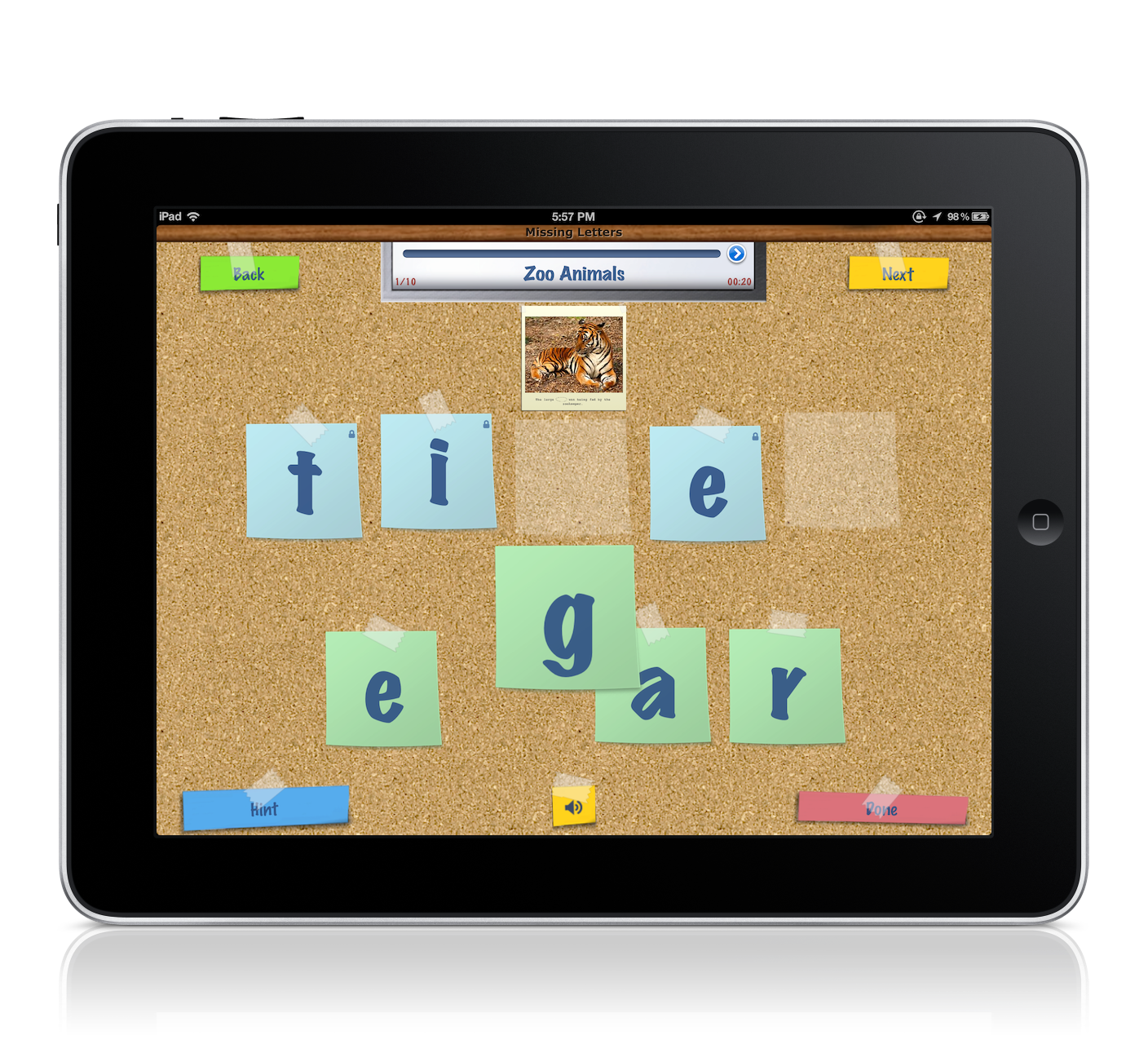
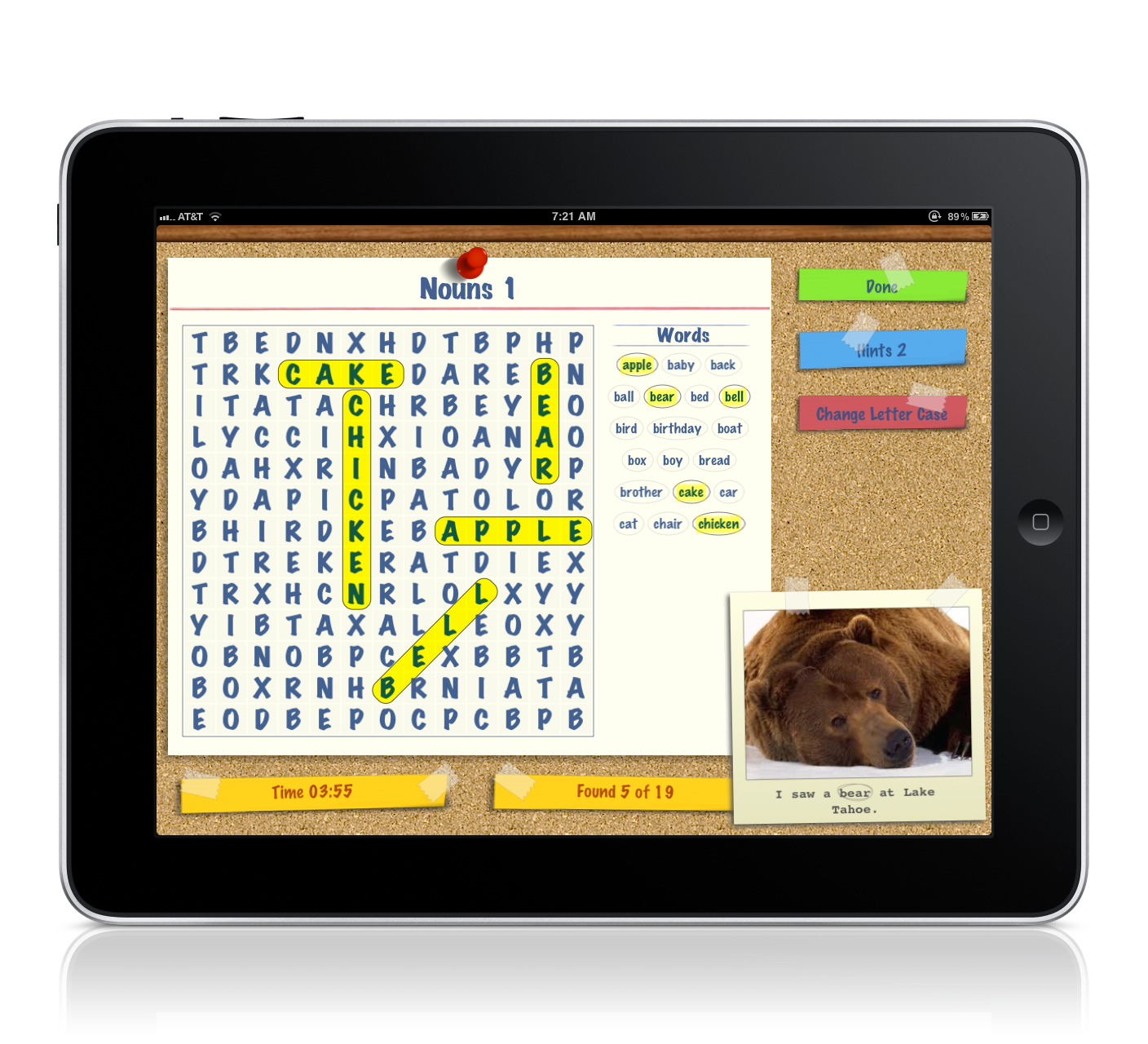
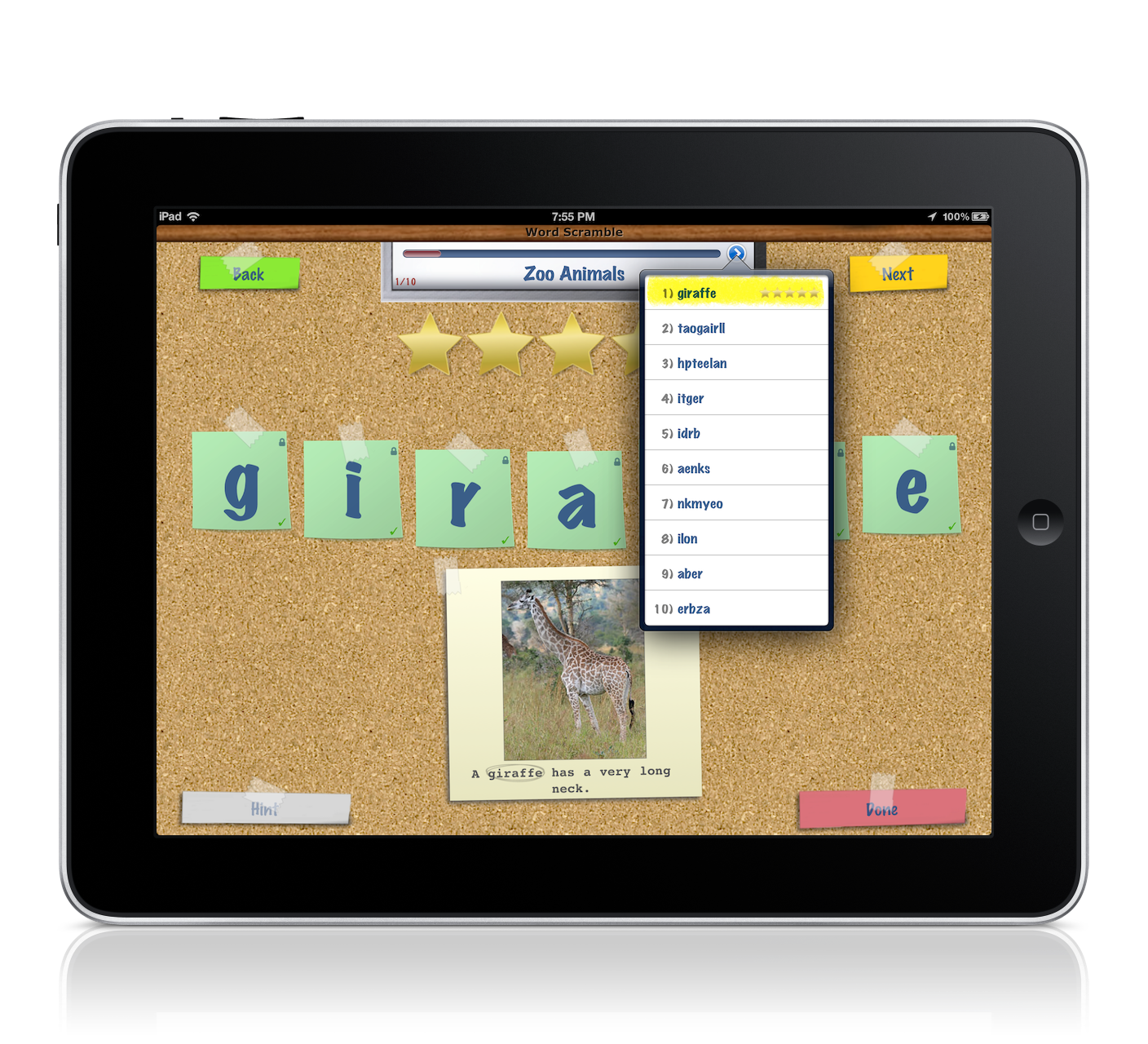
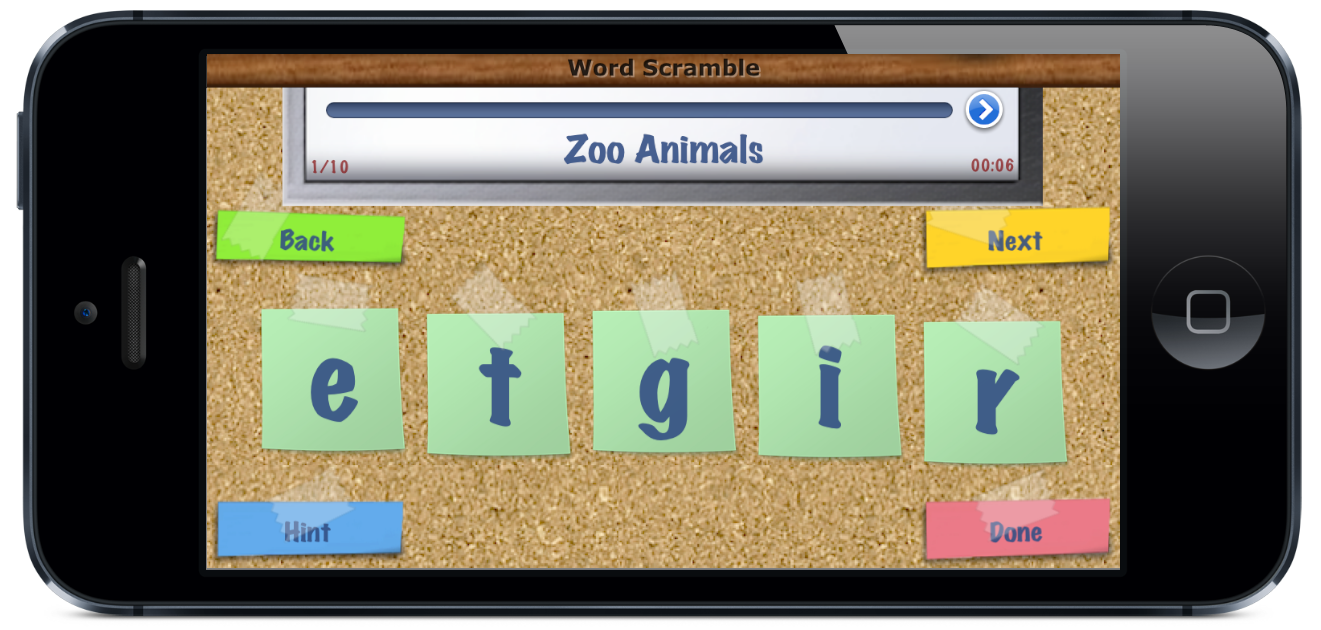
And possibly best of all, you can share your quiz with other SpellBoard users (via Email, iCloud, Dropbox, Bluetooth, or iOS File Sharing) that means only one person needs to enter the weeks' spelling words and then share it with other SpellBoard users or SpellBoard Buddy users. Additionally, SpellBoard allows for multiple student profiles so you can track the performance of any student across any number of quizzes. You can also track how well multiple students perform against a particular quiz.
SpellBoard also has a study mode where you can walk through a quiz seeing and hearing the word and phrase. You can practice writing the word on the virtual white board or even get the word’s definition.
Give yourself the added advantage, add SpellBoard to your learning toolbox.
Languages Supported: English, French, German, Spanish, Italian, Japanese.
Requires iOS 8 or later


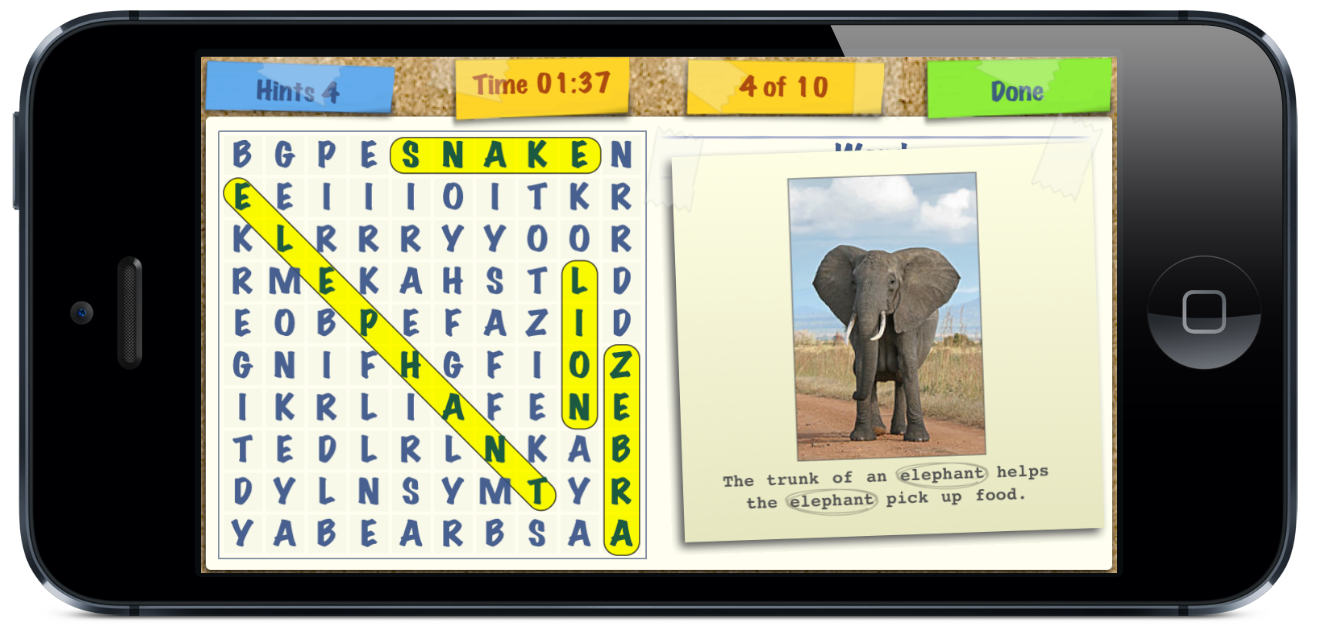
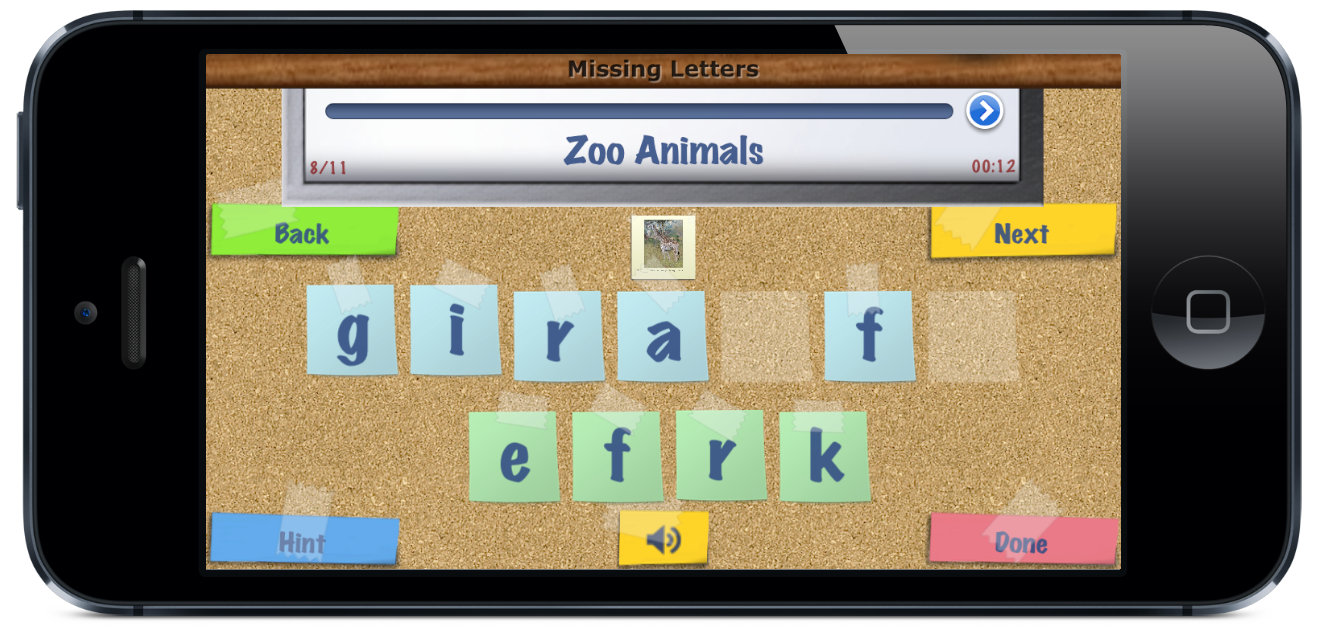
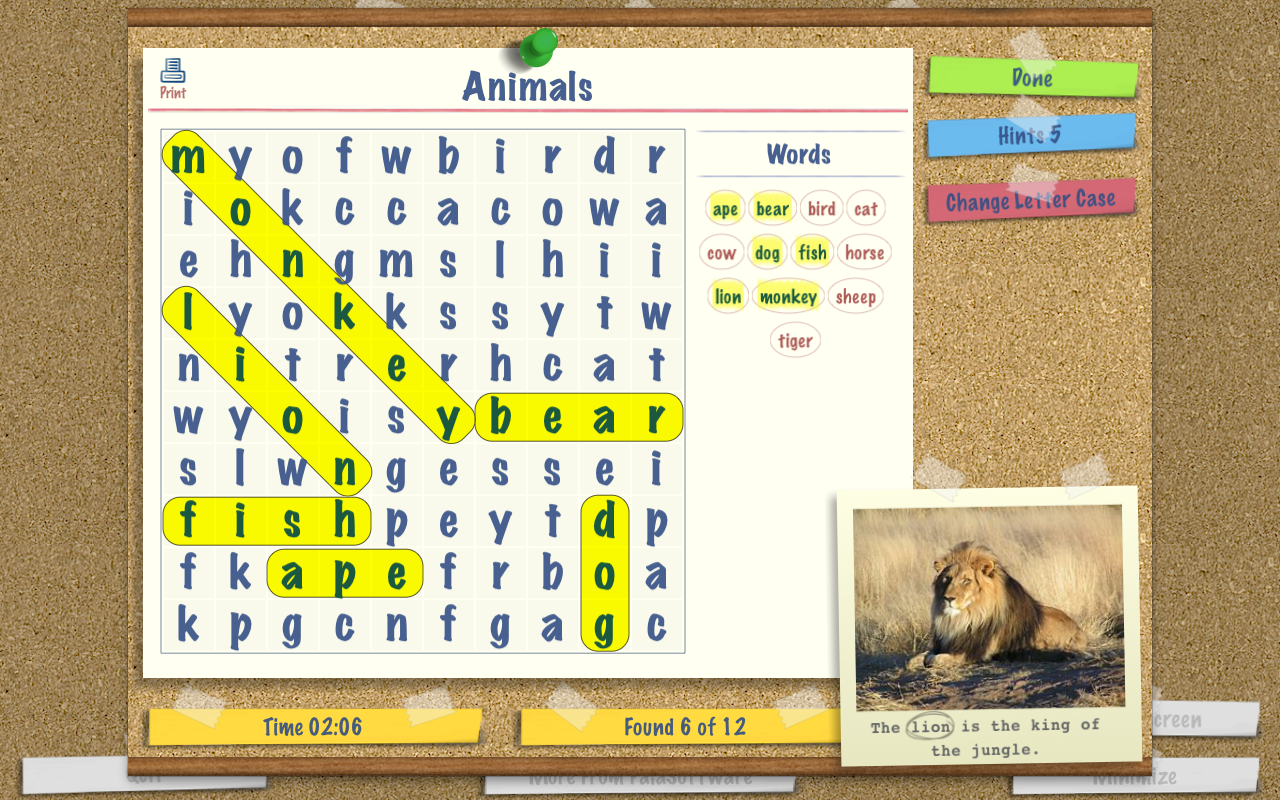
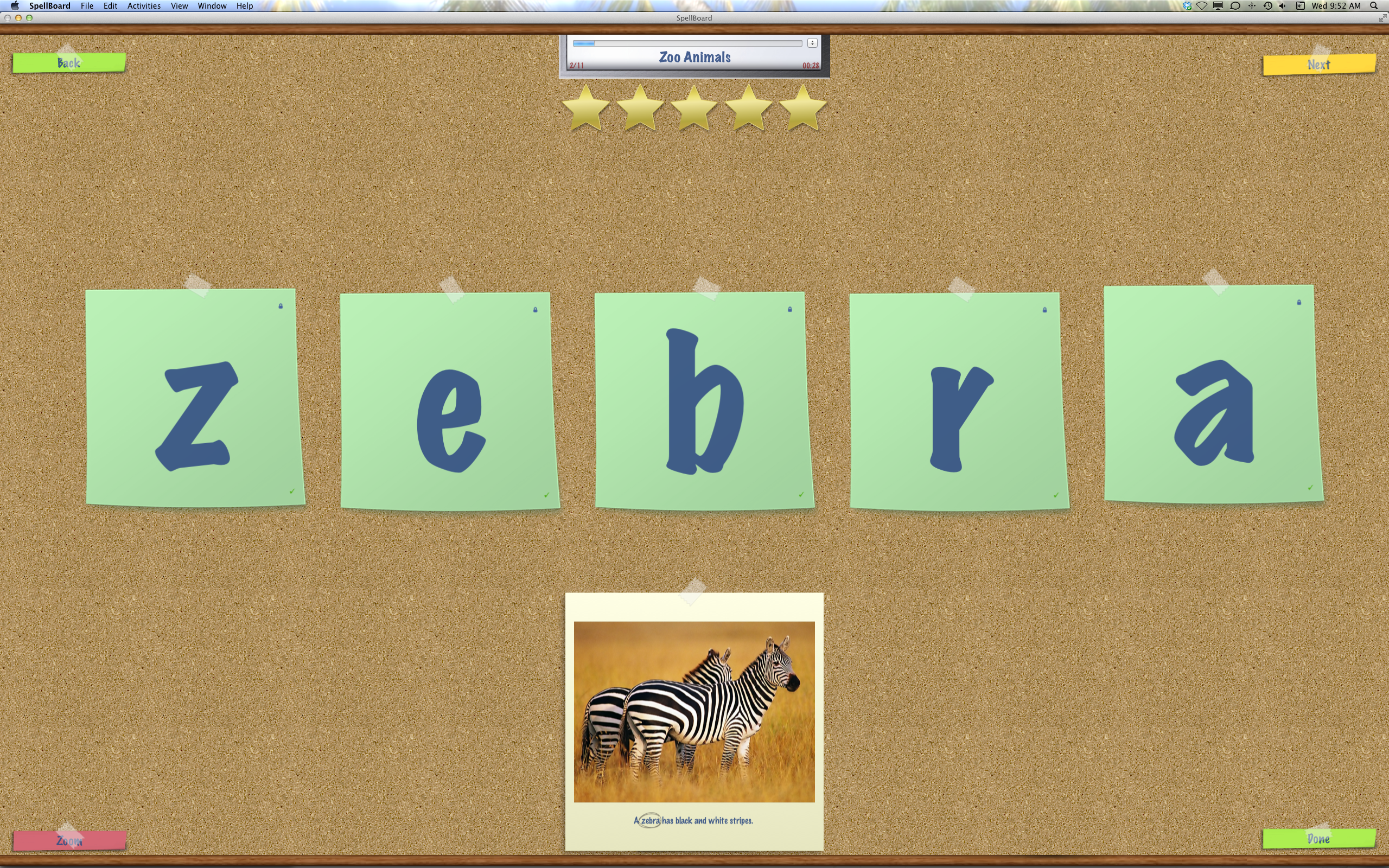
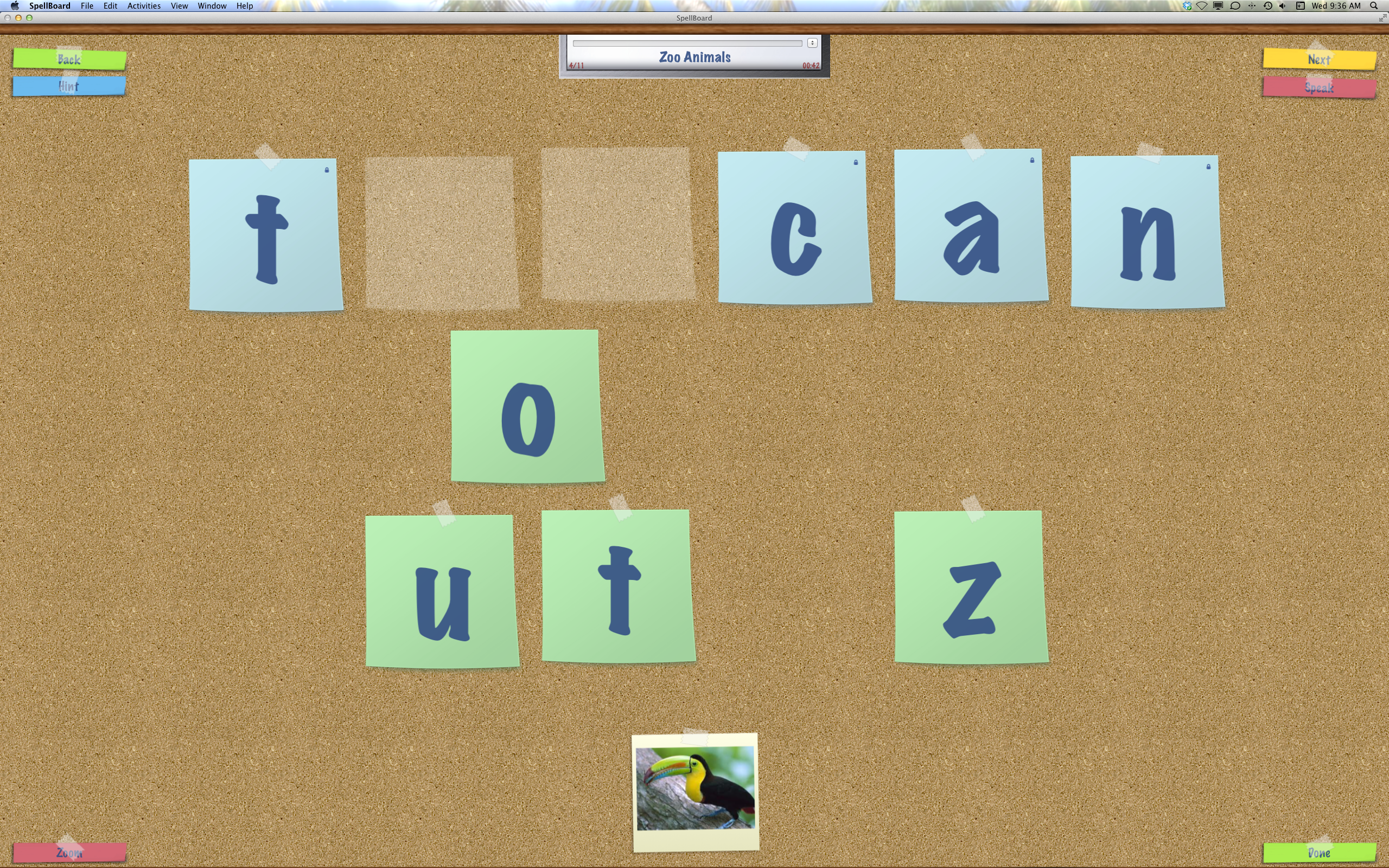
SpellBoard can now generate Missing Letter, Word Search, Alphabetization,
Word Scramble, and Sentence Matching puzzles from any spelling list.
Whether you are a student, teacher or parent, we all know the weekly spelling drill. Monday, we get our weekly words. Wednesday, we have our pre-quiz and Friday is the spelling test. Of course, during the week there are endless impromptu spelling quizzes, – at home, in the car, at dinner, before bed – you get the idea. Well, all that may have just changed – say hello to SpellBoard!
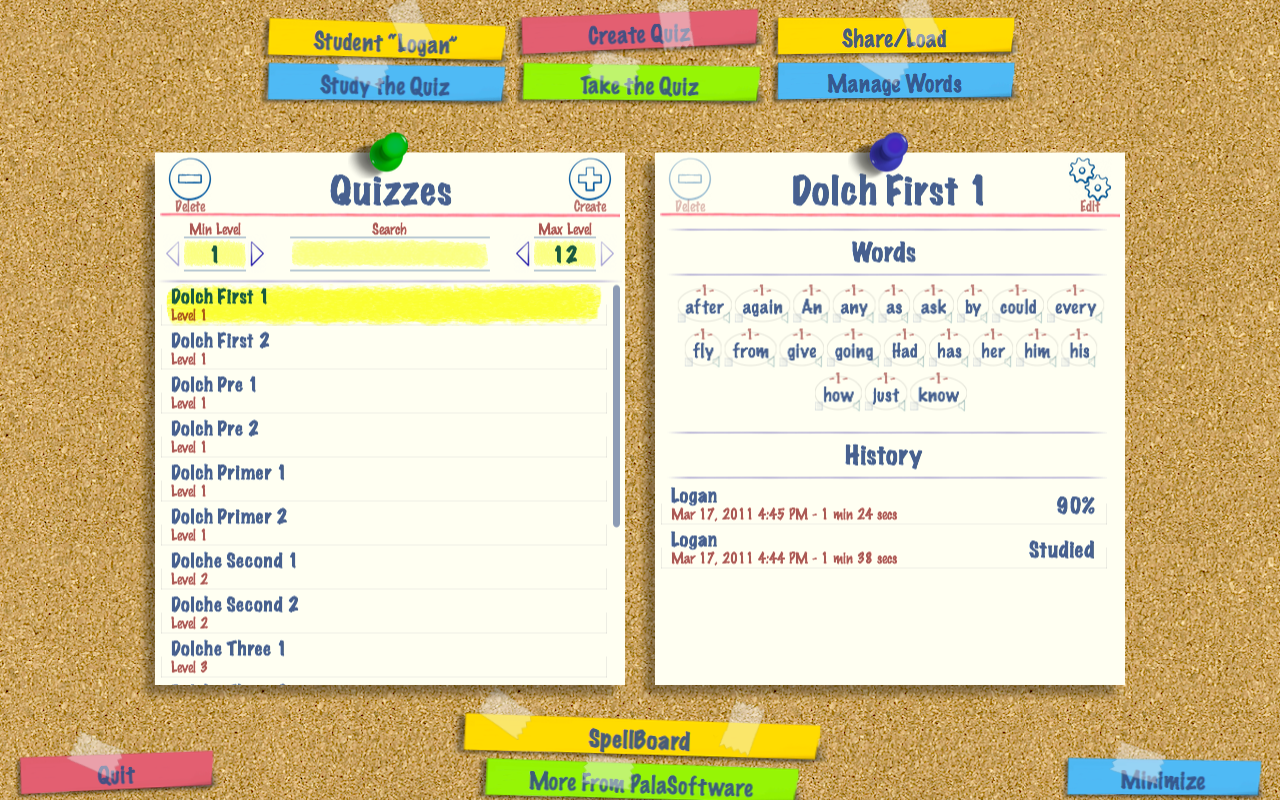
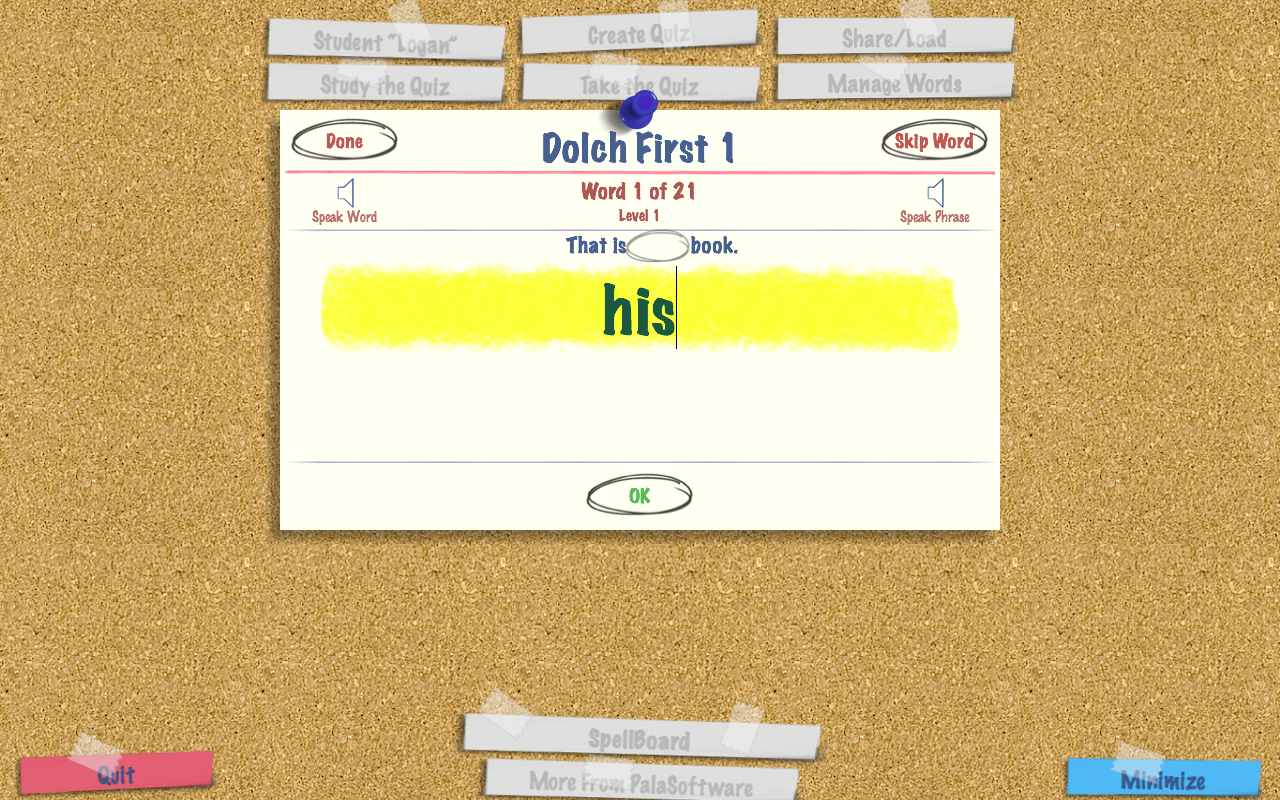
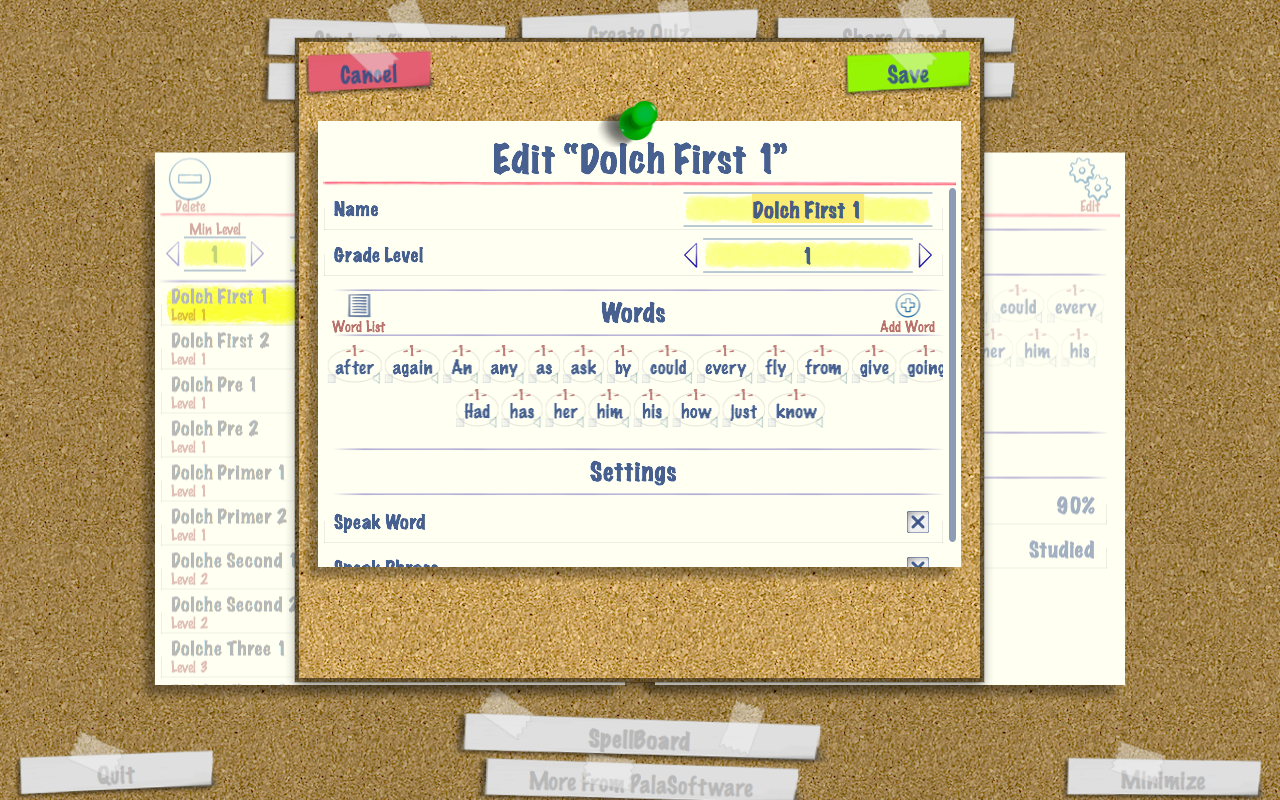
SpellBoard provides a fast and intuitive way for you to enter your list of spelling words. All you need to do is enter the word (correctly spelled) and the grade level (1-12). SpellBoard will take it from there using the Macs built in speech technology to quiz you on the words (if desired you can record audio in your own voice as well). Optionally, you can enter a phrase for the word, antonyms and/or synonyms for the word. That's it! Now you are ready to study your word list and be quizzed on it.
Additionally, SpellBoard allows for multiple student profiles so you can track the performance of any student across any number of quizzes. You can also track how well multiple students perform against a particular quiz.
SpellBoard also has a study mode where you can walk through a quiz seeing and hearing the word and phrase, you can even get a definition for the word via the built in dictionary on the Mac.
Languages Supported: English, French, German, Spanish, Italian.
Requires macOS 10.11 or later


SpellBoard Buddy is a companion product for SpellBoard
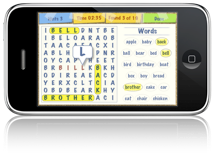
SpellBoard Buddy allows you to study and take quizzes that were created with SpellBoard and then shared with you “the SpellBoard Buddy”.
Quizzes authored with SpellBoard have been created by people just like you, maybe other students/parents in your class, friends, relatives, the sources are unlimited. Once you obtain and have added a quiz to SpellBoard Buddy you are ready to starting utilizing all the power of SpellBoard from within the SpellBoard Buddy app (with the exception of creating new quizzes).
Languages Supported: English, French, German, Spanish, Italian, Japanese.
Requires iOS 8 or later
Copyright © 2008-2018 palasoftware Inc. All rights reserved.